

Explore how MCP standardizes access to tools and data for AI applications, its underlying architecture, and how it simplifies the integration of new tools and connections to external systems (e.g., GitHub repos, Google Docs, local files).
Short CourseIntermediate1h58m
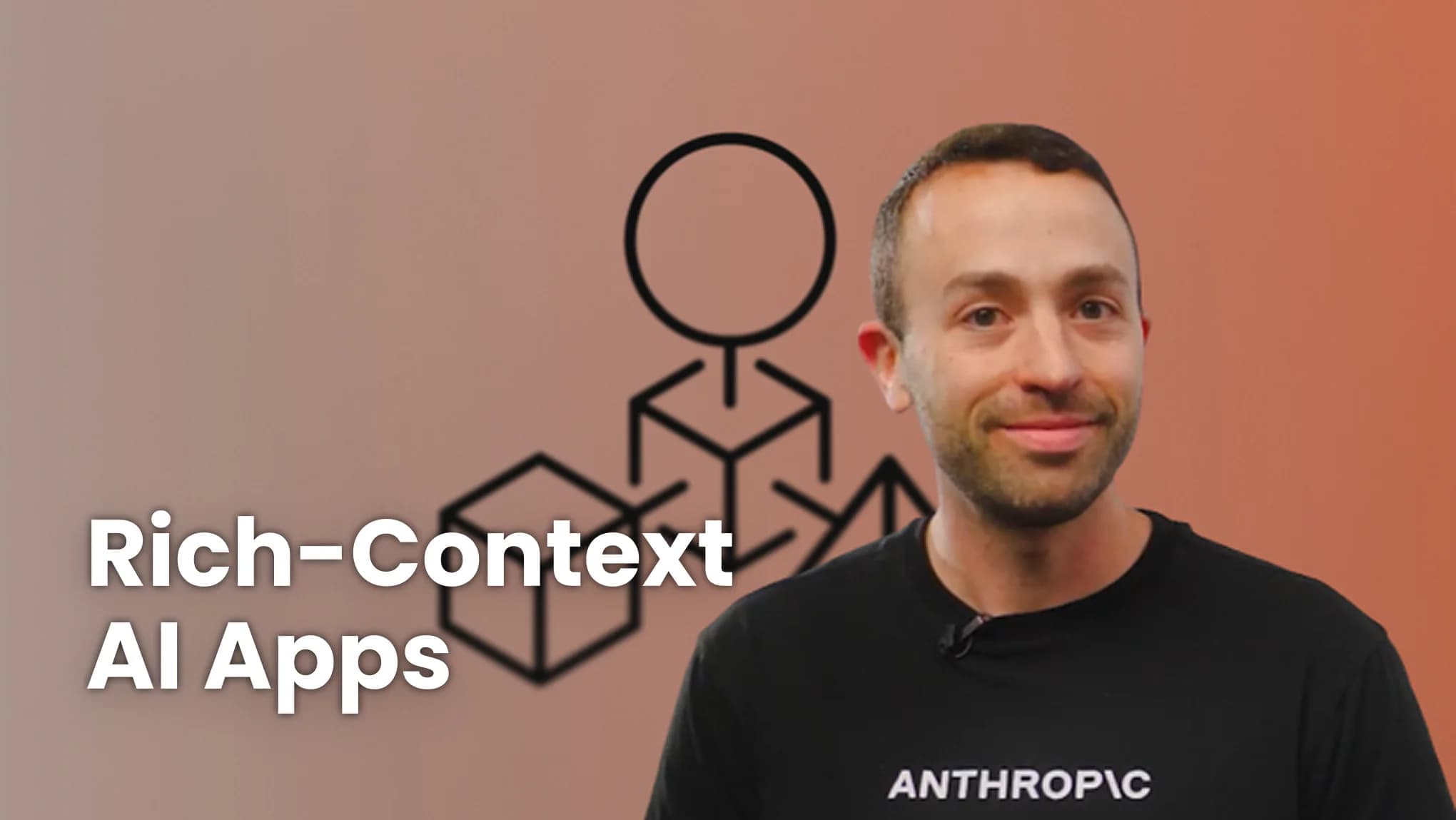
MCP: Build Rich-Context AI Apps with Anthropic
Instructor: Elie Schoppik

Earn an accomplishment with PRO
- Intermediate
- 1h58m
- 11 Video Lessons
- 6 Code Examples
- 1 Graded Assignment PRO
- Earn an accomplishment with PRO
- Instructor: Elie Schoppik
 Anthropic
- Learn more aboutMembership PRO Plan
What you'll learn
Build and deploy an MCP server that provides tools, resources, and prompts, and add it to the configuration of AI applications, such as Claude Desktop, to extend them.
Build an MCP-compatible application that hosts multiple MCP clients, each maintaining 1-to-1 connection to an MCP server.
About this course
Join MCP: Build Rich-Context AI Apps with Anthropic, a short course created in partnership with Anthropic and taught by Elie Schoppik.
Connecting AI applications to external systems to bring rich context to LLMs has often meant writing custom integrations for each use case. This has fragmented AI development between teams within a company and across the industry.
The Model Context Protocol (MCP) is an open protocol that standardizes how LLMs access tools, data, and prompts from external sources, simplifying how new context is integrated into AI applications. MCP, developed by Anthropic, is based on a client-server architecture. It defines the communication details between an MCP client, hosted inside the AI application, and an MCP server that exposes tools, resources, and prompt templates. The server can be a subprocess launched by the client and running locally, or an independent process running remotely.
In this hands-on course, you’ll learn the core concepts of MCP and how to implement it in your AI Application. You’ll make a chatbot MCP-compatible, build and deploy an MCP server, and connect the chatbot to your MCP server and other open-source servers.
Here’s what you’ll do:
- Understand why MCP makes AI development less fragmented and how it standardizes connections between AI applications and external data sources.
- Learn the core components of the client-server architecture of MCP and the underlying communication mechanism.
- Build a chatbot with custom tools for searching academic papers, and transform it into an MCP-compatible application.
- Build a local MCP server that exposes tools, resources, and prompt templates using FastMCP, and test it using MCP Inspector.
- Create an MCP client inside your chatbot to dynamically connect to your server.
- Connect your chatbot to reference servers built by Anthropic’s MCP team such as filesystem, which implements filesystem operations, and fetch, which extracts contents from the web as markdown.
- Configure Claude Desktop to connect to your server and others, and explore how it abstracts away the low-level logic of MCP clients.
- Deploy your MCP server remotely and test it with the Inspector or other MCP-compatible applications.
- Learn about the roadmap for future MCP development such as multi-agent architecture, MCP registry API, server discovery, authorization, and authentication.
By the end of the course, you’ll be able to build rich-context AI applications that can connect to a growing ecosystem of MCP servers, with minimal integration work.
Who should join?
It’s helpful to be familiar with Python and have a basic understanding of LLM prompting and LLM application development.
Course Outline
11 Lessons・6 Code Examples- IntroductionVideo・3m
- Why MCPVideo・7m
- MCP ArchitectureVideo・14m
- Chatbot ExampleVideo with Code Example・7m
- Creating an MCP ServerVideo with Code Example・8m
- Creating an MCP ClientVideo with Code Example・9m
- Connecting the MCP Chatbot to Reference ServersVideo with Code Example・12m
- Adding Prompt and Resource FeaturesVideo with Code Example・11m
- Configuring Servers for Claude DesktopVideo・6m
- Creating and Deploying Remote ServersVideo with Code Example・7m
- ConclusionVideo・9m
- Appendix – Tips and HelpReading・10m
- Quiz
Graded・Quiz
・10m
Elevate your learning experience with Pro
Upgrade to Pro and gain unlimited accomplishments on your resume
Instructor


Course access is free for a limited time during the DeepLearning.AI learning platform beta!
Want to learn more about Generative AI?
Keep learning with updates on curated AI news, courses, and events, as well as Andrew’s thoughts from DeepLearning.AI!