

Interact with tabular data and SQL databases using natural language, enabling more efficient and accessible data analysis.
Short CourseBeginner1h8m
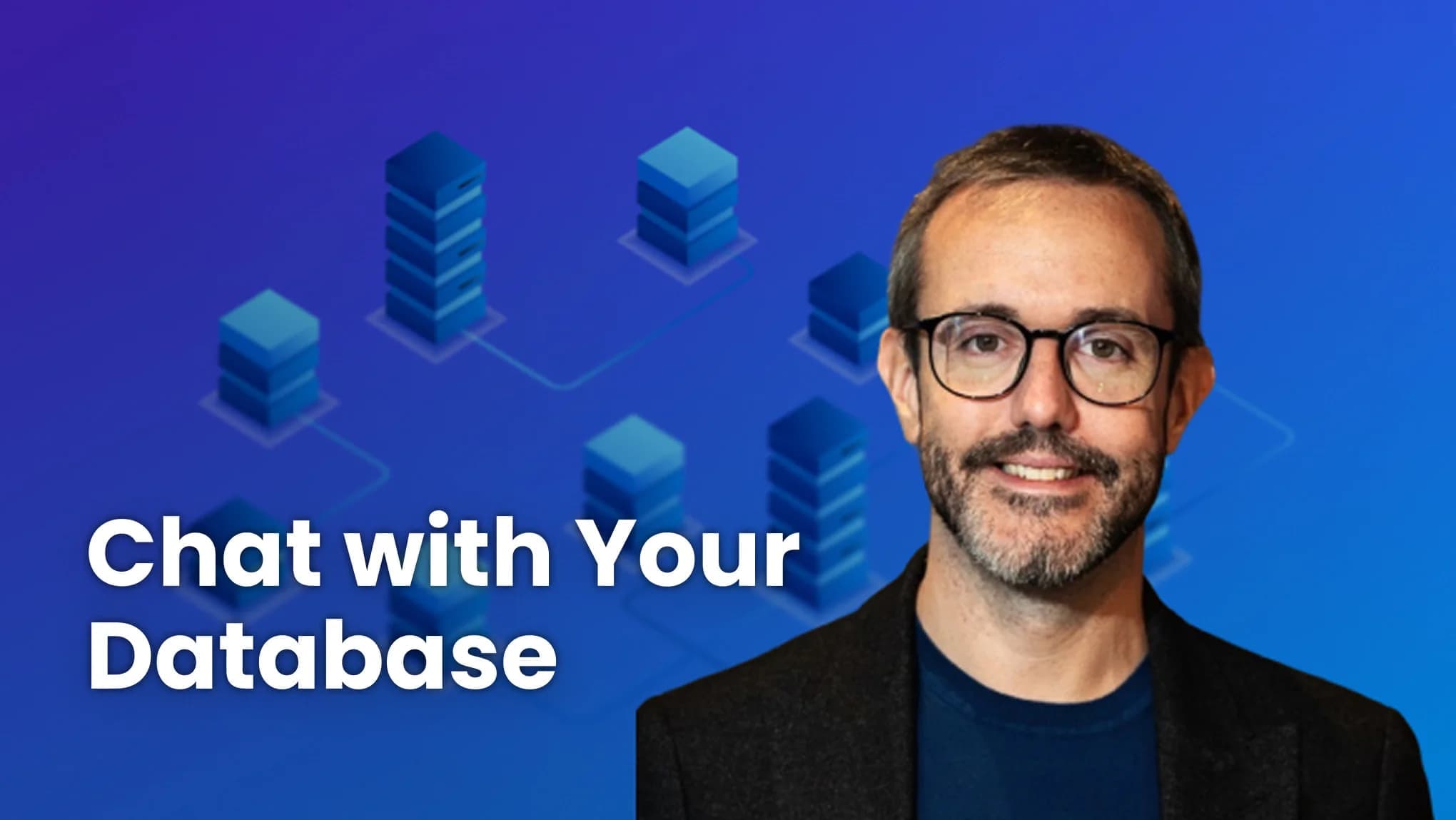
Building Your Own Database Agent
Instructor: Adrian Gonzalez Sanchez

Earn an accomplishment with PRO
- Beginner
- 1h8m
- 7 Video Lessons
- 5 Code Examples
- 1 Graded Assignment PRO
- Earn an accomplishment with PRO
- Instructor: Adrian Gonzalez Sanchez
 Microsoft
- Learn more aboutMembership PRO Plan
What you'll learn
Gain hands-on experience with the Azure OpenAI Service, implementing techniques like Retrieval Augmented Generation (RAG) and function calling.
Use Azure OpenAI Service’s Assistants API, and test it with function calling and code interpreter features.
About this course
In Building Your Own Database Agent you will develop an AI agent that interacts with databases using natural language, simplifying the process for querying and extracting insights. Created in partnership with Microsoft and taught by Adrian Gonzalez Sanchez, Data and AI Specialist at Microsoft, this course is designed for developers, data professionals, as well as business analysts and professionals who want more sophisticated interaction with their databases through natural language instead of advanced SQL queries.
What you’ll do in this course:
- Learn about the levels of knowledge customization with Azure OpenAI Service, focusing on RAG to build your first AI agent, deploy your Azure OpenAI Service instance, test the API, and set up an orchestration engine like LangChain to enable these scenarios.
- Load tabular data from a CSV file and perform natural language queries using the Azure OpenAI service to extract information quickly. Learn to reapply the agent to analyze your own CSV files.
- Implement LangChain agents to connect to a provided SQL database, and how to build a DB agent that translates natural language to SQL code.
- Use Azure OpenAI Service’s function calling feature to use pre-built functions for sending queries to databases, improving the efficiency and security of your SQL agent.
- Work with the Assistants API and test it with the function calling and code interpreter features, which will enable you to connect to SQL databases and create your own DB agents more efficiently.
By the end of the course, you’ll be equipped with the technical knowledge and practical experience to implement similar systems in your own projects or organizations, enabling more efficient and accessible data interaction and analysis.
Who should join?
If you want to learn how to interact with databases through natural language, this beginner-friendly course is for you. Familiarity with Python programming and databases (CSV files and SQL) is recommended, but not required.
Course Outline
7 Lessons・5 Code Examples- IntroductionVideo・3m
- Your First AI AgentVideo with Code Example・9m
- Interacting with a CSV DataVideo with Code Example・12m
- Connecting to a SQL DatabaseVideo with Code Example・10m
- Azure OpenAI Function Calling FeatureVideo with Code Example・13m
- Leveraging Assistants API for SQL DatabasesVideo with Code Example・9m
- ConclusionVideo・1m
- Quiz
Graded・Quiz
・10m
Elevate your learning experience with Pro
Upgrade to Pro and gain unlimited accomplishments on your resume
Instructor


Course access is free for a limited time during the DeepLearning.AI learning platform beta!
Want to learn more about Generative AI?
Keep learning with updates on curated AI news, courses, and events, as well as Andrew’s thoughts from DeepLearning.AI!